

Overview
Download and Keep Your Favorite Content Offline
Life on the Internet is so volatile that today you can find an interesting video or a memorable post and tomorrow it can be gone. If you want to keep educational clips, creative inspirations, business references, or personal favorites, you can simply use Social Media Downloader to store supported online content directly on your Windows PC.
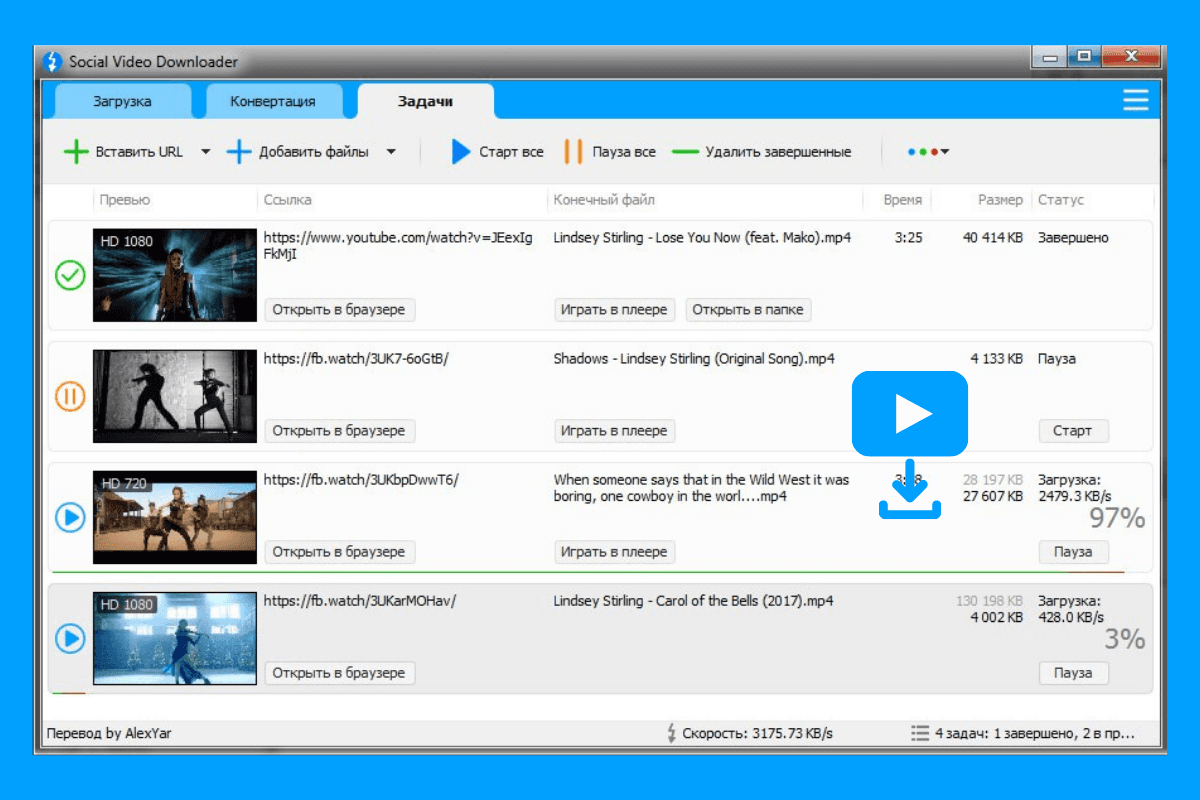
One of the many reasons the software is popular with users is that it allows them to quickly and simply download the content they like. You only need to paste the link to the media, optionally select your preferred quality, and the program will download your files in a few seconds.
A Simple Tool That Fits Everyday Needs
Social Media Downloader is a no-fuss program that can be used by anyone, even if you are a computer novice. Thanks to its minimalist interface, the download of supported media can be done not only by experienced users but also by beginners without the necessity of going through a lengthy tutorial.
Students will be able to save their educational material, marketers will collect references for their campaigns, designers will build a library of inspirations, and regular users, apart from their favorite videos, will be able to enjoy even when they're not connected to the Internet.
Fast Downloads with Flexible Media Options
It can be really tiresome if we have to wait to be able to use a big file. Social Media Downloader has been designed to download supported files very fast while, at the same time, allowing users to select from available resolutions and formats.
If you want to download a video or several files during one session, this program will not only help you with the process but also organize your media library because FilePCR offers you latest version through which you can enjoy a smooth downloading experience on your Windows PC.
How to Download Social Media Downloader?
Downloading Social Media Downloader from FilePCR is very straightforward and fast. Just tap on the Download button on this page and the system will start downloading the installer for you. After that, execute the setup program and finalize the installation. Open the application. Copy the link of the media that the app supports, paste it in the software, select your download option, and store your content directly on your PC.