

Overview
Moving Your WhatsApp Data Safely
You shouldn’t lose all your chat history, files and other
content simply because you changed your smartphone. The software developed by
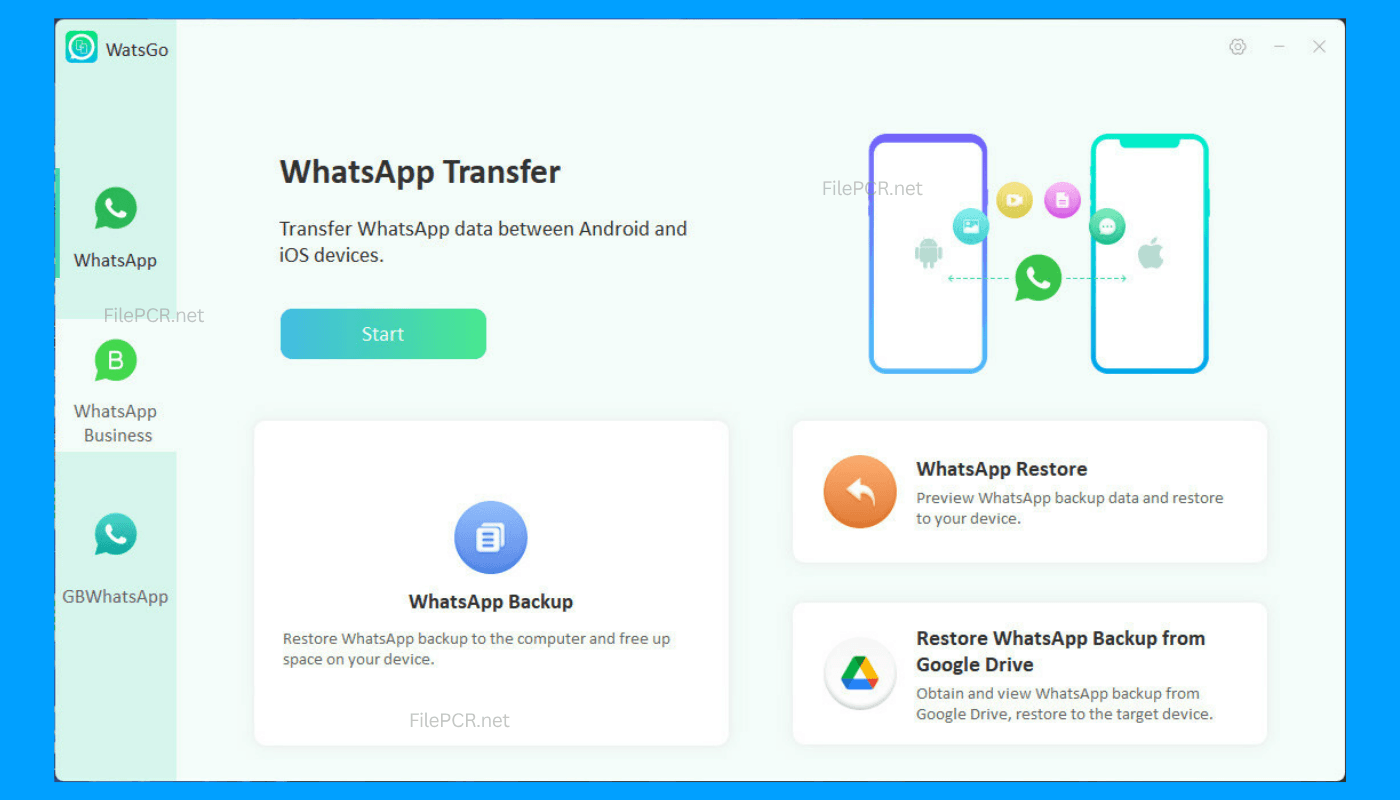
iToolab - WatsGo 9.1.0 will help users transfer all the necessary information
safely and easily between compatible devices.
Regardless of the reason why you need to do that, whether
you change the smartphone or switch from Android to iPhone, it is important to
use WatsGo 9.1.0 to save your chat history. Download WatsGo 9.1.0 from FilePCR
in order to perform such operations in the easiest way possible.
Make Your Backup Easier
Apart from transferring the chats between different devices,
WatsGo allows you to make backups of the most essential information stored on
your WhatsApp account. It will be helpful for backing up the most important
information when changing phones or resetting them.
WatsGo simplifies every day work with your data. With its
clear interface, you will be able to complete any actions easily and quickly.
A Useful Tool for Every Day Use
Regardless of the purpose of using WhatsApp - for personal
use, working or business you should keep your messages safe and organized.
iToolab WatsGo provides assistance in organizing the process of transferring
and backup, simplifying the mobile data migration process that used to be quite
complex.
The software is designed for use on modern Windows PCs and
provides a great tool for people who need to transfer data frequently or before
buying a new phone.
Software Features
- Transfer WhatsApp from Android to iPhone
- Backup WhatsApp messages to computer
- Restore WhatsApp backups
- Save media files, photos, videos, and attachments
- Easy-to-use transferring wizard
- Quick transferring and restoring process
- Works with current Android phones
- Compatible with latest iPhone models
- Local data management
- Optimized for Windows 10 and Windows 11
How to Download iToolab WatsGo 9.1.0?
To download iToolab WatsGo 9.1.0 on your PC through FilePCR
is easy. Just click the Download button on this page and wait until the
installer will be downloaded completely. Run the setup file, install the
program and then launch it. Connect your mobile phone to the computer and
perform the required data transfer or backup operation.