

Overview
Create Your Own Virtual Network with Ease
It may not be easy to link computers from different places
in case the connection is supposed to be done as though the two computers are a
part of the same local network. This can be done easily with the help of Radmin
VPN. The program provides an easy way to create virtual networks and link
remote Windows computers.
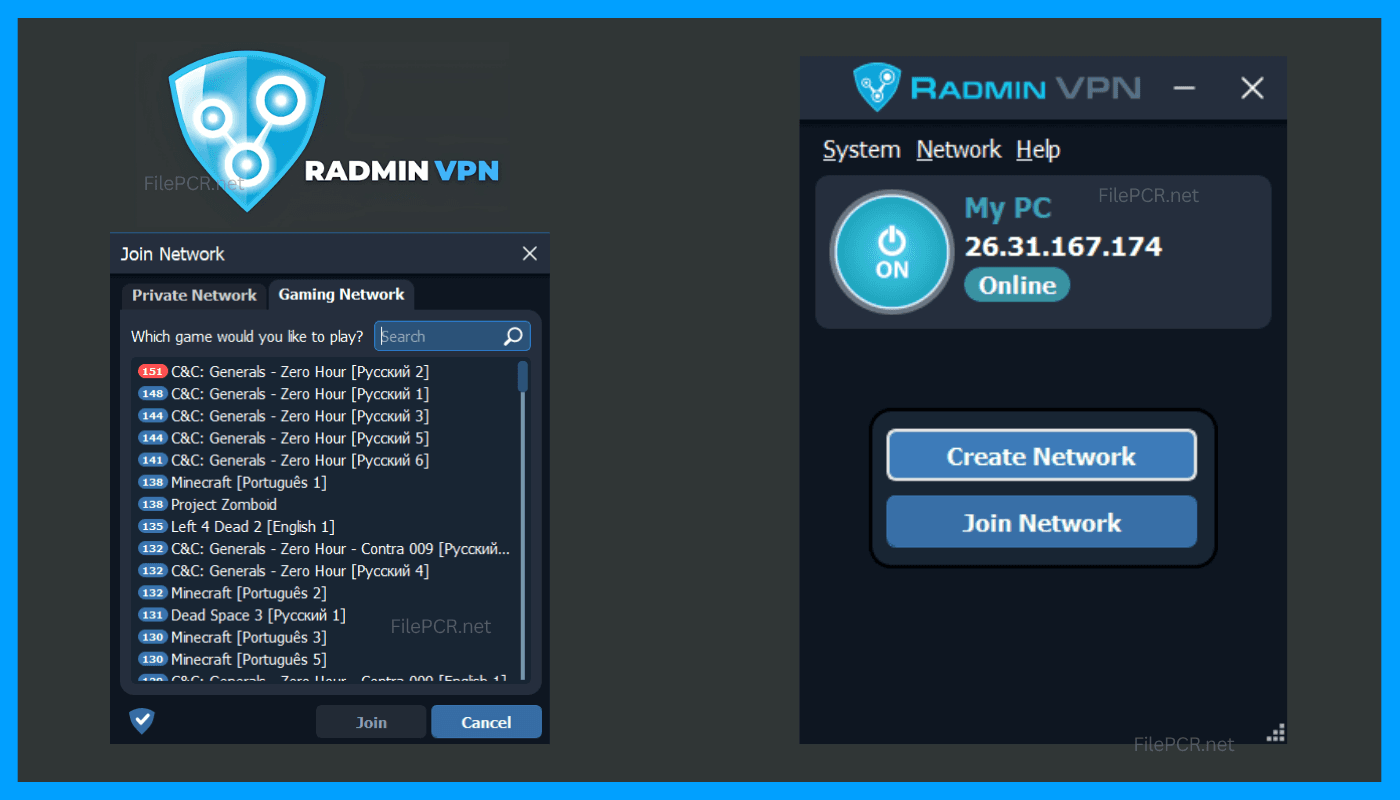
The software is very user-friendly, and therefore users will
find it easy to create or join virtual network without going through any
complex network configuration process.
Connect Remote PCs Using a Virtual Network
Once connected to the same Radmin VPN network, the computers
can interact with one another over the virtual network as if they were
connected to a local network. This may be beneficial for connecting to
resources and working together. or launching applications requiring local
network communication.
This application also presents a viable choice for
multiplayer games. which support LAN connectivity. The lightweight application
will run inconspicuously in the background while you are working or playing
your game.
Simple User Interface with Efficient Connectivity
The major strength of Radmin VPN 2.1.4951.1 is an
easy-to-use workflow. The user interface ensures simplicity in the creation and
management of connections in a network.
If you require a simple solution for creating a virtual
network without having to go through too much trouble in setting everything up,
this application is an ideal choice for you as a Windows user. FilePCR has
placed this version of the program in the Antivirus & Security category.
Features
- Virtual
private network creation
- Easy
network management
- Remote
PC connectivity
- Simple
network joining
- LAN-style
communication
- Useful
for multiplayer gaming
- Lightweight
Windows client
- User-friendly
interface
- Secure virtual connections
- Fast network setup
How to Download Radmin VPN 2.1.4951.1?
Downloading Radmin VPN 2.1.4951.1 from FilePCR is easy.
Simply click the Download button on this page to download and install the
software on your PC. When the download is completed. run the installer to
install the program. After that start Radmin VPN and create a virtual network
or join an existing virtual network.
Disclaimer: FilePCR is an independent software and digital content website. All software, games, applications, APKs, trademarks, and related content belong to their respective owners. FilePCR does not claim ownership of third party content. Users are responsible for complying with applicable copyright and licensing requirements and obtaining any required license or authorization.