

Overview
Produce Professional Sheet Music on Your Mac
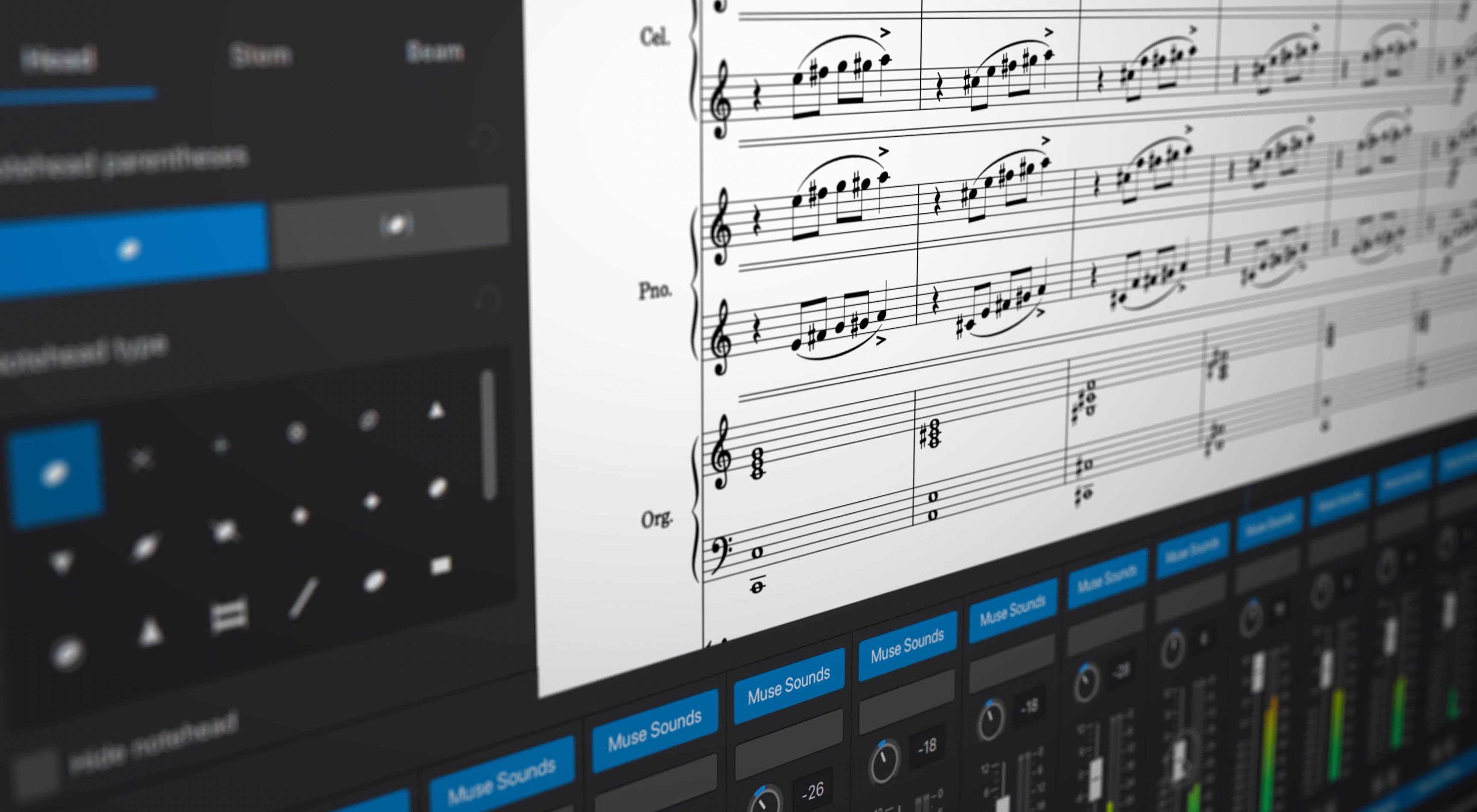
Whether you're creating new music, reworking old pieces, or making instructional content, MuseScore gives macOS users a full-featured music notation tool. Musicians can use this program to convert their artistic inspirations into polished scores that look like they came from a professional studio with accuracy and minimal effort.
For a single player or an entire orchestra, MuseScore provides the necessary tools for the most various kinds of musical styles and notation standards. FilePCR advises MuseScore for musician users who are looking for a powerful and at the same time easy-to-use Mac notation program.
Write, Arrange, and Edit Music without the Hassle
Besides score editing, note entry, playback, and arrangement, MuseScore just makes music creation simple. People can compose by keyboard, MIDI, or mouse, and see their music notation update instantly.
It accommodates complex musical signs and symbols, dynamics, articulations, chord symbols, and multiple instrument parts so that it can serve a very wide range of potential users: from absolute beginners to seasoned composers.
Made for Musicians, Teachers, and Students
MuseScore is a very popular choice in schools, music studios, and also for personal work. Teachers can lay out learning content, students can work on their composing skills, and professionals can create excellent scores that are ready to be used for rehearsals, performances, or publishing.
Its up-to-date interface and very powerful notation features make it possible for users to concentrate on their artistic work while still achieving results of a top professional standard.
- Professional music writing and score making
- Support for multi-instrument compositions
- Capability for live score playback
- Compatibility with MIDI keyboard input
- Extensive set of advanced notation symbols and articulations
- Ability to work with chord symbols and lyrics along with music
- Highly flexible score modification tools
- Support for import and export of MusicXML files
- Top-notch hardcopy production of sheet music
- Suitably configured for Intel and Apple Silicon Macs
How do I get MuseScore for Mac OS for free?
Click the Download button available on FilePCR to download MuseScore for macOS. After the DMG file has been downloaded, double-click it and drag the MuseScore app to the Applications folder. Open the app to start creating and editing music scores.