

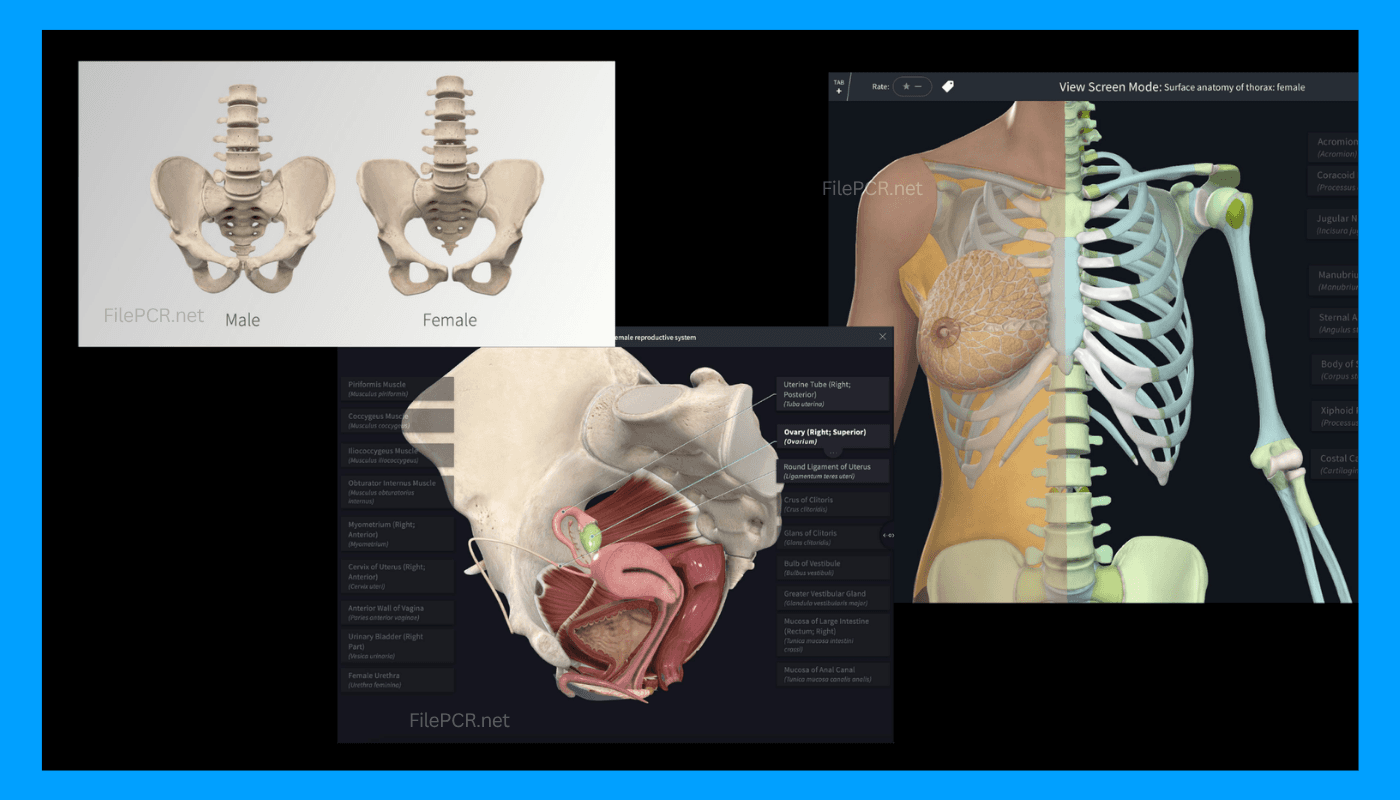
Overview
Learn Human Anatomy Using 3D Interactive Models
Studying human anatomy becomes easy when you can study all
the structures in 3D. Complete Anatomy for macOS allows you to immerse yourself
in the process through the ability to rotate zoom dissect and explore detailed
models of human anatomy from your Mac.
Whether you're studying for your med school exam, teaching
anatomy in class or revising the human body systems before your clinical
practice, you'll find it easier to understand how the human body works using
the software. FilePCR will provide you with the latest version of Complete
Anatomy for macOS.
An Ultimate Educational Tool for Medical Learning
Complete Anatomy uses both real-time 3D visuals and
educative content in order to make the learning process more effective. Rather
than reading books or diagrams on the subject, you will be able to explore your
muscles, bones and nerves, organs, blood vessels and other parts of the human
anatomy in real time.
It can be used by both students and teachers during their
self-study and classroom lessons and is useful for medicine and nursing,
physiotherapy courses, dentists and any other healthcare professional who needs
anatomy references.
Tailored for Learning on Modern macOS
Complete Anatomy is made to provide high performance on all
types of Mac from Apple Silicon to Intel. The program’s user friendly interface
lets you seamlessly change body systems design your own studies and annotate
anatomical parts and go through educational materials without disrupting your
work process.
Software Features:
- 3D interactive human anatomy models
- Discover all body systems
- Anatomically precise visualization
- Advanced models of muscles and skeleton
- Organ, nerve and vascular system exploration
- Study and learning tools customized to your needs
- Annotations and presentation tools
- Learning material for medical education
- Perfect performance on Apple Silicon Macs
- Optimized for latest macOS versions
How to Download Complete Anatomy for macOS?
To download Complete Anatomy for macOS from FilePCR, just
click the Download button found here and wait for the installer to be
downloaded. Open the installation file and follow the on screen instructions to
start the application.