

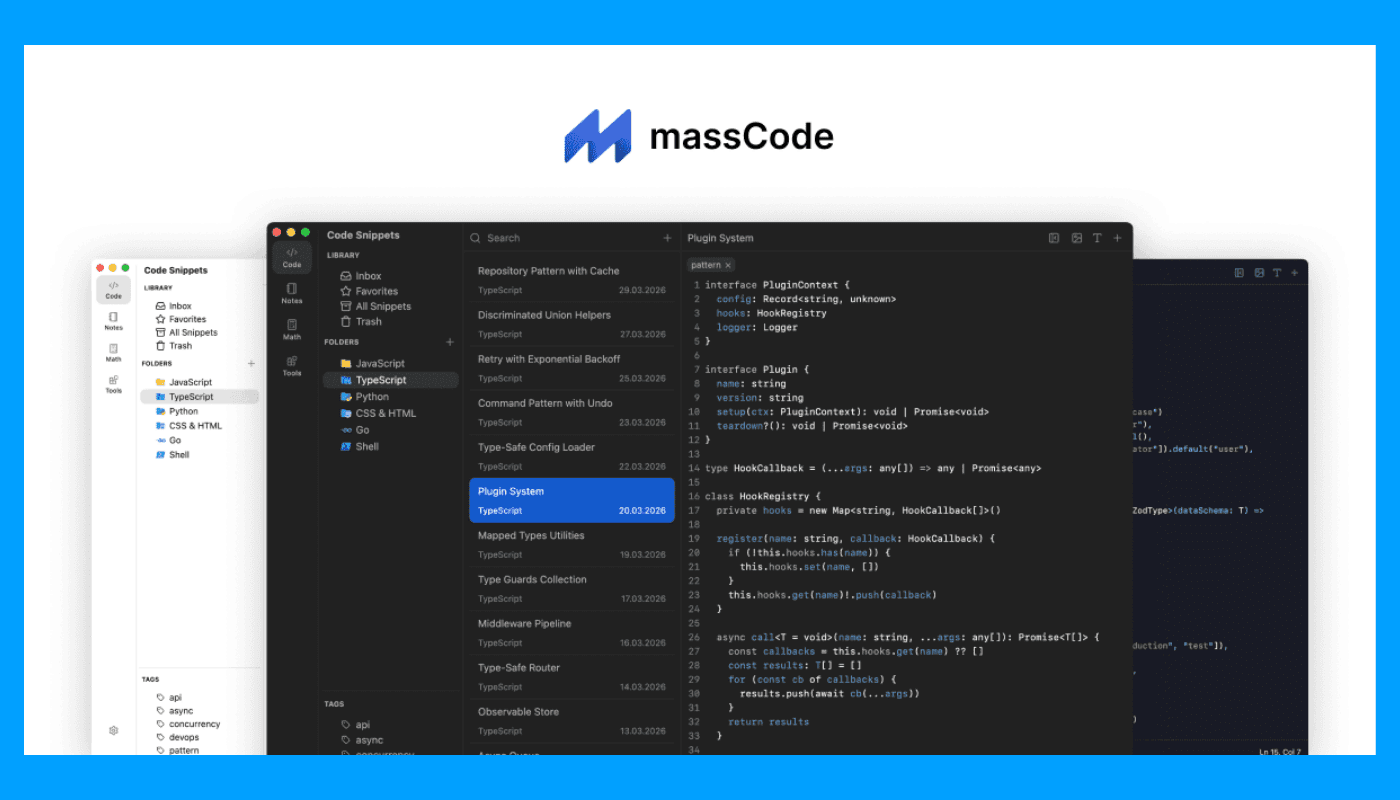
Overview
Make Sure Your Code Snippets Are Well Organized and Accessible
It is quite common practice for developers to use the same
function and query, script again and again within different projects. This
challenge is resolved by using the massCode app where you can save all the
necessary code snippets and then access them easily when needed.
Instead of digging into old projects or searching for pieces
of code in some text files, it is possible to create a library of code that
will be well organized, searchable and accessible at any time. massCode helps
students and experienced programmers work more efficiently. FilePCR presents
the latest Windows version of the application.
Created for Modern Programmers and Many Languages
With massCode, users have an opportunity to work with
numerous programming languages such as JavaScript, Python, PHP, C#, Java, HTML,
CSS, SQL, TypeScript, etc. It is equipped with the syntax highlighting tool and
offers various possibilities for organizing huge collections of snippets.
Projects become larger and larger, but massCode allows
finding the exact piece of code quickly with the help of advanced search,
tagging and folders.
A Minimalistic Solution for Your Code Management Needs
In contrast to bulky development software, massCode is concerned about a single thing that is managing code library. Neat user interface allows you to handle everything related to snippets easily and without distractions.
No matter whether you're storing API code examples, SQL queries, configurations, utility snippets or solutions to debugging problems – with massCode you'll get a useful companion while developing.
Features of Software:
Manage reusable code snippets
Compatibility with various programming languages
Syntax highlighting for easy understanding
Quick search of text
Organize through folders and tags
Integration with markdown documents
Modern design and user interface
Snippet management even when offline
High-speed and light performance
Compatible with Windows 10 & Windows 11
How to download massCode for Windows PC?
It is quite easy to download massCode software from FilePCR
website. Just click the Download button on this webpage and let the installer
download. Run the installer file and install the program. Start using the app
to create collections and organize code snippets.