

Overview
No More Frustration When it Comes to Updating Your PC
Drivers
Ineffective drivers may lead to various issues including performance slowdowns,
hardware failures and incompatibilities. Ashampoo Driver Updater 2.6.2 checks
outdated drivers on your computer and assists in installing new versions, thus
allowing you to have a smooth-running system.
Rather than looking for the appropriate drivers on your own, the program finds
the supported hardware and makes it much easier for you to update the drivers
via its user-friendly interface. The latest version is offered by FilePCR to
make downloads simpler for its users.
Enhance the Performance and Hardware Compatibility of Your PC
Newer drivers may fix existing bugs and improve compatibility with the latest
Windows updates. With Ashampoo Driver Updater, you can avoid numerous issues
that are related to graphics card drivers, printer drivers, network adapter
drivers, sound drivers, and other kinds of drivers for various hardware.
By updating your drivers, you will have improved gaming and multimedia
experience.
Easy Enough for Beginners Advanced for Professionals
The main advantage of using Ashampoo Driver Updater software is that it offers an easy way of doing maintenance tasks without looking for manufacturer website. No matter whether you perform maintenance tasks on your personal or office computers this software will be useful to you.
Software Features:
- Automatic driver scanning
- One-click driver update
- Works with thousands of hardware components
- Stabilizes your system
- Increased hardware compatibility
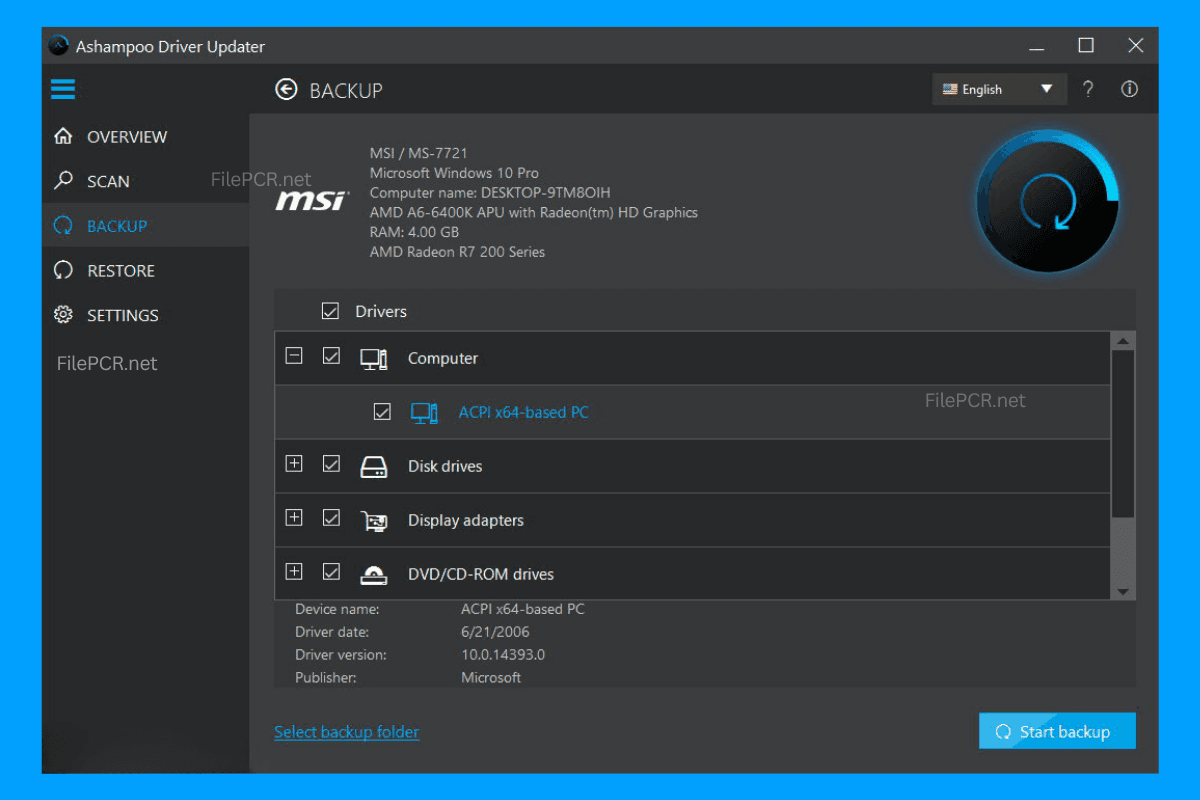
- Driver backup and recovery
- User-friendly interface
- Efficient scanning technology
- Designed for Windows 10 and Windows 11 OS
- Frequent updates of the drivers' database
How to Download Ashampoo Driver Updater 2.6.2?
The download process of Ashampoo Driver Updater 2.6.2 from FilePCR is very easy. Simply press the Download button on this web page and wait until the installer gets downloaded. Run the installer follow the instructions during installation process and start using the software. Just scan your computer check the driver updates and install them.