

Overview
Restore Your Lost Android Data Easily
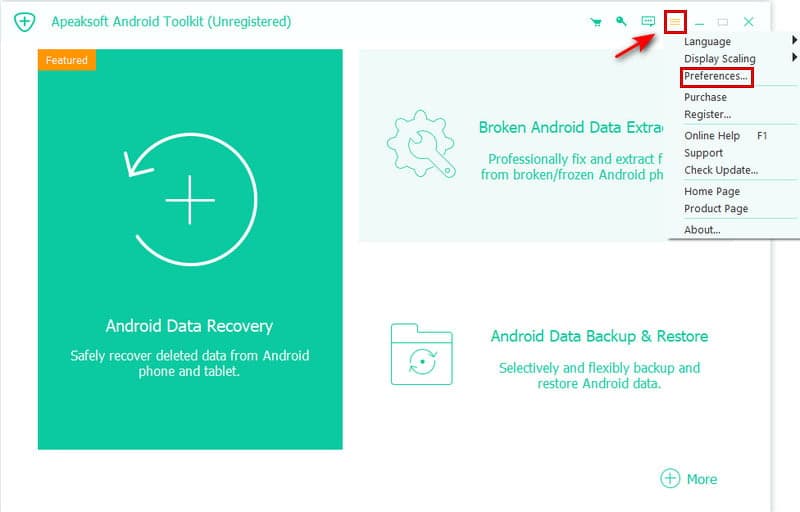
Apeaksoft Android Toolkit is a complete package of Android data management solutions for users who want to be able to recover lost data, make backups and manage their Android devices efficiently. In case you have accidentally deleted photos, messages, contacts and any other type of information from your smartphone or tablet, Apeaksoft Android Toolkit can help you restore your data.
FilePCR offers you the newest version of Apeaksoft Android Toolkit for Mac computers.
Make Backups and Transfer Files Safely
Data safety is crucial, that's why it is very important to be able to make backups of your Android data to avoid losing information. With the help of Apeaksoft Android Toolkit, you can create backups of your contacts, messages, files and data stored in apps to avoid any losses.
Full Device Management for Your Android on macOS
Apart from its recovery and backup functionality, the Apeaksoft Android Toolkit provides useful features that make the everyday life of Android users easier through efficient data management.
No matter whether you have any problems with your device or you need to save some of your files, this toolkit will provide a handy solution right on your Mac.
Features:
- Recovery of lost Android data
- Restoration of contacts, messages, photos and videos
- Creation of safe Android backups
- Transferring of files from Android to Mac and vice versa
- Compatibility with various brands of Android devices
- Preview of recoverable files before restoration
- User-friendly interface
- Fast scanning and recovery engine
- Safe data management utilities
- Compatibility with contemporary Android devices
How to Free Download Apeaksoft Android Toolkit?
To download the Apeaksoft Android Toolkit 1.2.30 for macOS free from FilePCR, simply click the Download button. After the installation package is downloaded, open it, drag the application to Applications folder, run the program, connect your Android device and manage your data.